

Meeting App
Download the Mobile App for
ACS Spring 2026!

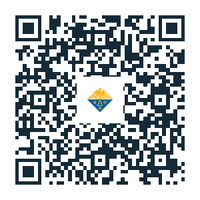
Scan the QR code with your camera or use the download button on a mobile device and follow the prompts for installation. You will also find this information on the virtual platform. The app is not in the app store.
How to login after downloading the app:
- Once you have the app downloaded, log-in with your ACS ID, the same ID you used to register for the meeting. You will need to be logged-in to experience all the features available to you within the meeting platform.
- Select "Yes, remember this device," or "No, this is a shared device" when the app prompts you to remember this device for up to 30 days.
- To enable notifications from the meeting app, select "allow" once you are logged into the meeting app, or go to the settings for your device and turn on notifications. We encourage enabling notifications so you can receive the latest information such as last-minute room changes or reminders about important events.
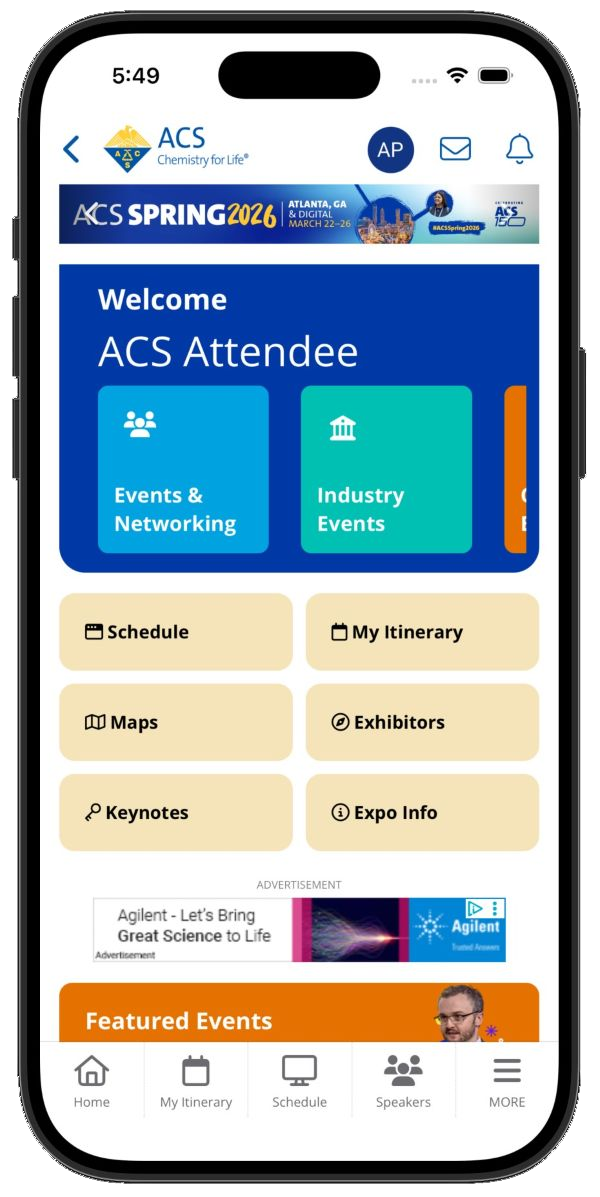
2026 Spring mobile app tutorial
2026 Spring platform (desktop) tutorial
Help shape ACS digital experience
Take a quick survey to qualify for an interview at Spring 2026 and novelty ACS swag!
Don't miss any deadlines!
Get meeting news delivered to your inbox!
